Best GST Bill Generator Online
A GST bill generator is an indispensable digital tool for businesses, allowing them to create professional, GST-compliant invoices swiftly and efficiently. In light of the complexities of GST regulations and the necessity for accuracy in billing, online GST Bill Generators automate the process, minimizing manual errors and ensuring the fulfillment of all statutory requirements. These platforms not only save time but also help businesses maintain seamless records, track payments, and enhance overall financial management.
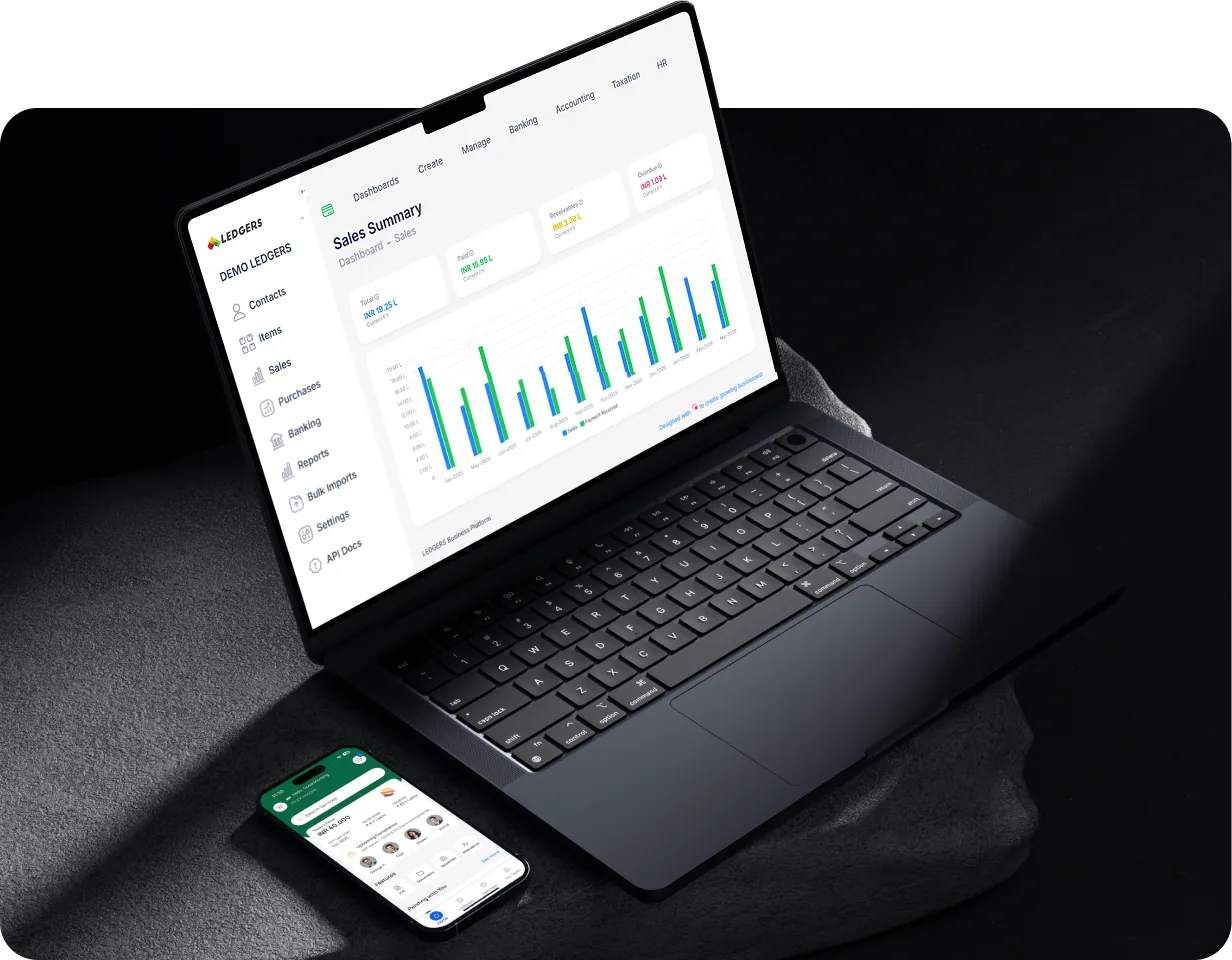
With LEDGERS software, generating a GST-compliant bill becomes a seamless task, even for those with no prior accounting knowledge. The platform features inbuilt GST calculation, customizable invoice templates, and real-time data validation to ensure 100% compliance. Businesses can effortlessly track receivables, manage payments, and streamline their invoicing process through a single, integrated dashboard. Whether you're a startup or an established enterprise, LEDGERS simplifies digital billing while improving accuracy and operational efficiency.
Why is a GST Bill Generator Useful for Businesses?
Using a GST Bill Generator offers several advantages for businesses of all sizes:
Ensures GST compliance by automatically updating to the latest tax rules and formats. Discover more about GST bills with this detailed guide.
Automates tax calculations, reducing the risk of human error and incorrect entries.
Saves valuable time by generating invoices in seconds, allowing businesses to focus on core operations.
Simplifies record-keeping and provides easy access to all invoices and billing data in one place.
Improves cash flow management with features like automated payment reminders and real-time tracking of receivables. Learn more about the benefits of GST compliance for small businesses.
Enhances professionalism with customizable invoice templates and branding options.
Facilitates secure, cloud-based storage for all billing data, ensuring data privacy and easy retrieval.
Elements to be Included in the GST Bill Invoice
A GST invoice must include specific elements to be valid for compliance and input tax credit purposes:
Name, address, and GSTIN of the supplier. For an in-depth understanding of GST invoicing, visit this page.
Unique invoice number and date of issue.
Name, address, and GSTIN (if registered) of the recipient.
Description of goods or services supplied.
HSN (Harmonized System of Nomenclature) code for goods or SAC (Service Accounting Code) for services.
Quantity of goods supplied (if applicable).
Value of the supply before tax.
Rate and amount of GST applied (CGST, SGST, IGST, or UTGST). Explore the GST invoice format rules for more details.
Total invoice value including GST.
Place of supply and address of delivery (if different from recipient).
Signature or digital signature of the authorized person.
Want to Generate GST Invoices in a Few Seconds? Get Our LEDGERS Software!
LEDGERS software enables businesses to generate GST-compliant invoices with minimal effort and maximum accuracy. Whether you manage a small business or a large enterprise, LEDGERS streamlines your billing and GST compliance, saving you time and minimizing errors. For an overview on creating GST-compliant invoices, check out this guide.
Key Features of LEDGERS GST Bill Generator
LEDGERS GST Bill Generator offers a robust suite of features designed to streamline invoicing, payments, and GST compliance for businesses of all sizes.
Multi-Platform Accessibility: Create and share GST-compliant invoices instantly from your smartphone, web browser, or via API—ensuring flexibility and convenience for all users.
Error-Free Invoice Generation: Automated GST rate selection and tax computation guarantee every invoice is accurate and compliant with the latest regulations.
Integrated Payment Links: Embed payment links directly in invoices, enabling customers to pay faster and improving cash flow for your business.
Real-Time Receivables Tracking: Instantly track outstanding payments, view customer-wise receivable reports, and perform aging analysis to identify overdue invoices.
Automatic Payment Reconciliation: Align incoming payments with outstanding invoices automatically, simplifying account reconciliation and reducing manual effort. Understand the difference between invoice and tax invoice.
Comprehensive Account Statements: Generate detailed customer statements, including all invoices, payments, credit and debit notes, and overdue amounts—enhancing transparency and professionalism.
Seamless Invoice Sharing: Send invoices and account statements to customers instantly via SMS, WhatsApp, email, or download for printing.
Vendor and Purchase Management: Onboard vendors, create purchase orders, track vendor payments, and reconcile input tax credit directly from the platform.
GST e-Invoice and eWay Bill Generation: Generate e-Invoices and eWay Bills in seconds, fully integrated with GSTN APIs for compliance and real-time tracking.
Bank Integration and Reconciliation: Sync with major Indian banks to fetch statements, classify transactions, and reconcile accounts automatically. Learn about the QR code for GST invoices.
Automated Payment Reminders: Schedule and send payment reminders to customers, helping reduce payment delays and improve collections.
Secure Cloud Storage: All data is securely stored in the cloud, ensuring privacy, easy access, and reliable backup.
User-Friendly Interface: Intuitive dashboard and workflows make it easy for both beginners and experienced users to manage invoicing and compliance tasks efficiently.
How to Generate GST Bill Invoices using LEDGERS?
Creating GST-compliant invoices is quick and hassle-free with LEDGERS software. Whether you’re a new user or an established business, LEDGERS streamlines the entire invoicing process, ensuring accuracy and compliance with GST regulations. Here’s a step-by-step guide based on the latest best practices:
Step 1: Set Up Your Business Profile and Logo
Log in to your LEDGERS account.
Go to Business > Settings and update all relevant business information.
In the Invoice Settings, you can upload your business logo for a professional touch.
Step 2: Prepare Your Catalogue
Before creating invoices, ensure your Catalogue Master contains all goods and services you supply.
Add each product or service to the catalogue; this information will auto-populate in your invoices, saving time and reducing errors.
Step 3: Add Customer Details
Make sure you have created an account for each customer to whom you’ll issue invoices. For further details, see this article on invoice management.
This helps track invoice status and manage customer relationships efficiently.
If customer data is not already available, you can quickly add new customers during the invoice creation process.
Step 4: Create the Invoice
After logging in, select the business entity for which you want to create the invoice.
Navigate to Sales > Invoice > Create Invoice.
Select the customer from the list. Customer details will auto-populate.
Choose the product/service from your catalog. Details will fill in automatically.
Enter the quantity and rate for each item.
Based on the customer’s address, LEDGERS will automatically calculate the applicable GST (IGST, CGST, or SGST). Refer to the GST billing software guide for more insights.
Step 5: Add Special Conditions and Charges
If applicable, select Reverse Charge for invoices where GST is payable on a reverse charge basis.
Mark supplies made to SEZ zones or through e-commerce operators as needed.
Add additional charges like freight or reimbursements by selecting the relevant option from the drop-down menu.
Step 6: Review and Finalize
Double-check all invoice details for accuracy.
Update notification, follow-up, or any other settings as required.
Click the Create Invoice button to generate your GST invoice.
Step 7: Share or Print the Invoice
Once created, the invoice is ready for printing.
You can also email, SMS, or WhatsApp the invoice directly to your customer from the platform.
Download and save the invoice as a PDF for your records.
Simplify your GST Compliance with LEDGERS Software
LEDGERS makes GST compliance easy and efficient for businesses of all sizes. Here’s how:
Seamless GST Return Filing: File GSTR-1, GSTR-3B, and GSTR-9 directly from the platform with GSTN integration—no manual uploads needed.
Automated ITC Reconciliation: Instantly match your purchase data with GSTR-2A/2B, identify missing credits, and send reminders to vendors for unmatched invoices.
GST-Compliant Invoicing: Generate error-free, GST-ready invoices with automated tax calculations and one-click sharing.
e-Invoice & eWay Bill Generation: Create e-invoices and eWay bills in seconds, fully compliant with the latest GST requirements. Familiarize yourself with the essential contents of a GST invoice.
Payment Reconciliation: Match payments from banks or gateways to invoices automatically, improving cash flow and reducing manual work.
Compliance Alerts & Notifications: Receive timely reminders for return filing, payment due dates, and compliance updates.
User-Friendly Interface: No accounting expertise needed—intuitive design for easy navigation and quick onboarding.
Cloud-Based Access: Securely manage your GST tasks from anywhere, on any device.
Customizable Reports: Get real-time GST reports and analytics to track compliance and business performance.
With LEDGERS, you can stay GST compliant, avoid penalties, and focus on growing your business.