

DINESH P
Expert
Published on: Aug 11, 2026
UAN Password Change/ Reset Online
The Universal Account Number (UAN) remains unchanged throughout an employee’s career, even when switching jobs. Each employer assigns a different member ID that is ultimately linked to the same UAN. Given the importance of the UAN in managing your Employee’s Provident Fund (EPF) account, losing or forgetting your password can be concerning. If you have forgotten your UAN password and are unable to access your EPF account, this guide will help you through the process of how to reset UAN password online and resolve the UAN forgot password.
What is UAN?
UAN, or Universal Account Number, is a unique identifier allotted by the Employees' Provident Fund Organization (EPFO) to each employee. It serves as an umbrella for the multiple Member IDs assigned to an individual by various establishments throughout their career. The primary objective of UAN is to link all the different Member Identification Numbers (Member IDs) under one universal number, allowing the employee to conveniently access and manage the details of all the Member IDs associated with it.
Remembering your UAN and password to ensure access to your EPF account is crucial. In case you forget your UAN or password, there is an option on how to change UAN password through the EPFO portal.
What Is the UAN Password Format?
EPFO requires strong passwords with the following rules:
Length: 8 to 25 characters
Must include:
- 1 uppercase letter (A-Z)
- 1 lowercase letter (a-z)
- 1 number (0-9)
- 1 special character (e.g., @, #, $, %)
Example of a valid password: Abcd@1234
Note: Avoid simple or predictable combinations like Password@123, as these may be rejected or flagged as unsafe.
What could be the reason to Change or Reset the UAN Password?
Remembering complex passwords for multiple online accounts can often be a challenge. In some cases, individuals who may not have accessed their EPF account in a while may have forgotten the password or may want to change it simply based on their preferences. However, forgetting your UAN password should not prevent you from managing your retirement savings. Resetting or changing your UAN password and resolving the UAN forgot password is essential to ensure continued access to your EPF account, allowing you to efficiently track and manage your contributions, check balance details, and make necessary updates.
What are the Prerequisites for Uan Password Reset?
Before engaging on the Uan Password Reset, ensure you are meeting the following prerequisites:
- Active UAN: Your Universal Account Number (UAN) must be active, as it is required to access your EPF account.
- UAN Account Linked to the Aadhaar Number: Ensure your UAN is linked to your Aadhaar for identity verification.
- Registered Mobile Number Linked to the Aadhaar: Your mobile number must be registered with your Aadhaar and active to receive the OTP needed for the password reset.
Make sure to meet these prerequisites before focusing on how to change UAN password.
How to Reset UAN Password Online?
UAN Password change can be done in a few simple steps. Follow these steps to regain access to your EPF account:
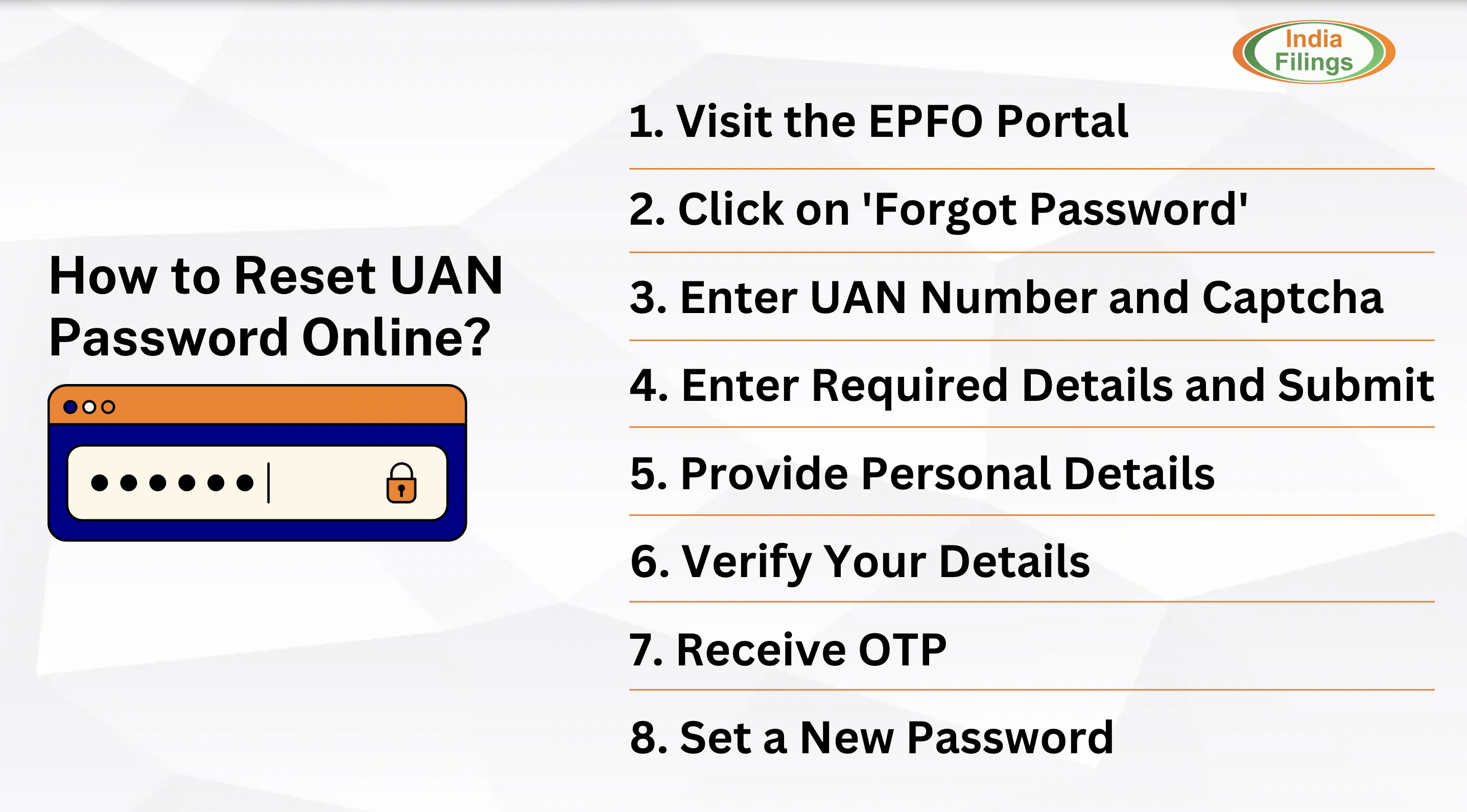
- Step 1 - Visit the EPFO Portal: Go to the EPFO's official website.
- Step 2 - Click on 'Forgot Password': On the login page, click the 'Forgot Password' link to begin the Uan Password Reset process.
- Step 3 - Enter Your UAN Number and Captcha: Input your UAN number and the captcha code displayed on the screen.
- Step 4 - Enter Required Details and Submit: Provide the necessary details and click the 'Submit' tab. Note: The phone number associated with your UAN will be displayed. If you need to change your phone number, click the option to modify it, enter the new details, and verify.
- Step 5 - Provide Personal Details: Enter your personal details, such as your name, date of birth (DoB), gender, and KYC type.
- Step 6 - Verify Your Details: Click the 'Verify' tab after entering your details.
- Step 7 - Receive OTP: Once your details are verified, you will receive an OTP (One-Time Password) on your registered mobile number.
- Step 8 - Set a New Password: Enter your new password twice, then click on the 'Submit' button.
Also read: Step by Step Guide to Change the UAN Details Online
How to Change UAN Password After Login?
Sometimes, individuals may not forget their password but might want to change it for various reasons. In such cases, you can easily change your UAN password by logging into the portal. Follow these steps to change your password:
- Login to the UAN Portal: Go to the UAN portal and log in using your existing credentials.
- Click on 'Account Settings': Once logged in, navigate to the homepage and click the 'Account Settings' option.
- Enter Old and New Password: In the 'Account Settings' section, enter your current password followed by your new password. After that, click on the 'Update' tab to save the changes.
- Confirm the Change: A prompt asking you to confirm the password change will appear. Click on 'OK' to confirm.
After completing these steps, you will see a message on your screen stating, "Password updated successfully." Your new password will now be active, and you can use it to log in to your UAN account.
Why Is It Important to Know Your UAN Password?
Your UAN login allows you to access several important features:
Feature | Why It Matters |
Passbook Download | View your complete PF contribution history |
Online Claims | Withdraw PF, pension, or request an advance |
PF Transfer | Apply for transfer between employers |
Service History | Track your EPS eligibility and PF continuity |
KYC Updates | Upload Aadhaar, PAN, and bank details |
Grievance Status | Monitor the status of claims or error resolutions |
Important: Without your UAN password, you cannot access any of these services.
How Long Does It Take for the Password to Reflect?
Portal | Password Reset Time |
Member Portal | Immediate |
Passbook Portal | Approximately 6 hours |
Note: If you successfully reset your password but still see a login error on the passbook portal, don’t worry—just wait a few hours for the changes to take effect.
Facing Issues While Resetting Your UAN Password? Here’s How to Fix Them
Many users face difficulties during the password reset process due to minor mismatches or outdated records. Here are the most common issues and their solutions:
1. “UAN does not exist”
- Cause: Your UAN may not be activated or was entered incorrectly.
- Solution: Use the Know Your UAN tool with your Aadhaar or PAN to retrieve the correct UAN.
2. “Mobile number not linked”
- Cause: EPFO sends OTPs only to the Aadhaar-linked mobile number associated with your UAN.
- Solution: Ask your employer to update your mobile number through the Employer Portal. Employees cannot update it directly.
3. “Details not matching”
- Cause: Your name, date of birth, or Aadhaar number may not match EPFO records.
- Solution: Cross-check your EPFO profile with Aadhaar details. If there’s a mismatch, submit a Joint Declaration request via your employer to update the records.
4. “OTP not received”
- Cause: Network issues or an inactive mobile number linked to Aadhaar.
- Solution: Ensure your mobile number is:
- Linked to Aadhaar
- Active with network coverage
- Able to receive SMS Try again during non-peak hours if delays persist.
Tips for UAN Password Management and Security
Proper management and security of your UAN password are essential for safeguarding your financial information and ensuring secure access to your EPF account. Here are some valuable tips for maintaining strong password security:
- Use Strong Passwords: Always choose strong, unique passwords for your online accounts, especially those linked to your finances. A secure password should ideally include a mix of uppercase and lowercase letters, numbers, and special characters.
- Utilise Password Managers: Password managers are a helpful tool for securely storing complex passwords. They eliminate the need to memorise every password while keeping your login credentials safe from unauthorised access.
- Never Share Your Password: Your UAN password provides access to sensitive financial details. It's essential to keep it private and never share it with anyone to avoid potential misuse or identity theft.
- Do Not Store Passwords Improperly: Avoid storing your passwords, whether digitally on your devices or physically on paper. Storing passwords in these ways increases the risk of unauthorised access if your device is compromised or your notes are misplaced.
Why UAN Password Matters
Your UAN password is more than just a login—it’s the key to your entire PF account. With it, you can:
- Check your PF balance
- Apply for withdrawals or transfers
- Track your employer’s contributions
Conclusion
In conclusion, resetting or changing your UAN password is a straightforward process that ensures you can access your EPF account. To do this, ensure your UAN is active, linked to your Aadhaar, and paired with a registered mobile number. Following simple password security tips, such as using strong passwords and avoiding sharing or storing passwords improperly, will help protect your account. By keeping your credentials secure and up to date, you can easily manage your EPF account without any issues
FAQs for UAN Password Change/Reset Online
1. What is UAN?
UAN (Universal Account Number) is a unique identifier issued by the EPFO, linking multiple Member IDs throughout an employee's career under one account.
2. What are the prerequisites for resetting my UAN password?
You need an active UAN, your UAN linked to your Aadhaar, and a mobile number registered with Aadhaar to receive the OTP for verification.
3. How to reset UAN password online?
To resolve the UAN Forgot password, visit the EPFO portal, click on 'Forgot Password,' enter your UAN number and captcha, verify your details, and set a new password after receiving the OTP.
4. How can I change my UAN password after logging in?
After logging into the UAN portal, go to 'Account Settings,' enter your old and new passwords, and confirm the change to update your password.
5. What should I do to ensure UAN password security?
Use strong passwords, avoid sharing or storing passwords improperly, and consider using a password manager for secure password storage.
6. Can I recover my UAN password if I don't remember it?
Yes, you can reset it by following the steps outlined on the EPFO portal with the required verification details.
7. Is it safe to store my UAN password on my device?
It's best not to store your password on devices or paper to avoid unauthorized access. Use a password manager for safe storage instead.
8. How many times can I reset my UAN password/EPFO password?
There is no limit on the number of times you can reset or change your EPF password.
9. How long does it take to reset the UAN password?
Resetting your UAN password is a quick process, typically taking just a few minutes to complete online.
10. What information do I need to reset my UAN password?
To reset your UAN password, you’ll need your UAN, name, date of birth, gender, Aadhaar number, Aadhaar-registered mobile number, and the OTP received on that number.
11. Is there any fee for resetting the UAN password?
No, there is no fee or charge to reset your UAN password.