
Bennisha
Published on: Sep 25, 2026
Income Tax Jurisdiction
When a taxpayer is filing an income tax return online, understanding the Income Tax ward and circle is crucial. This information is also needed when applying for a new PAN. Knowing this jurisdictional info helps streamline communications from the Income Tax Department. The Department issues notices and orders to taxpayers based on their jurisdiction. For offline applications, the taxpayer must approach their Jurisdictional Assessment Officer.
AO Code
The AO Code or Area Jurisdiction of the Income Tax Department consists of:
Area Code:This is the area in which the taxpayer's jurisdiction is located.
AO Type:AO Type indicates the kind of Assessing Officer (AO) for the taxpayer. For instance, AO Type C refers to a 'circle' and AO Type W refers to a 'ward'. Taxpayers with income over Rs. 10 lakh fall under the 'Circle'.
Range Code:This represents the Income Range that the taxpayer belongs to.
AO Number:This denotes the Assessing Officer assigned to the taxpayer's specific ward. Knowing these details allows taxpayers to contact the right officer for any in-person dispute resolutions.
Finding Income Tax Jurisdiction
There are two methods to find your Income Tax Jurisdiction.
Method I
Step 1: Visit the official websiteLog in to the official website of the Income Tax Department.
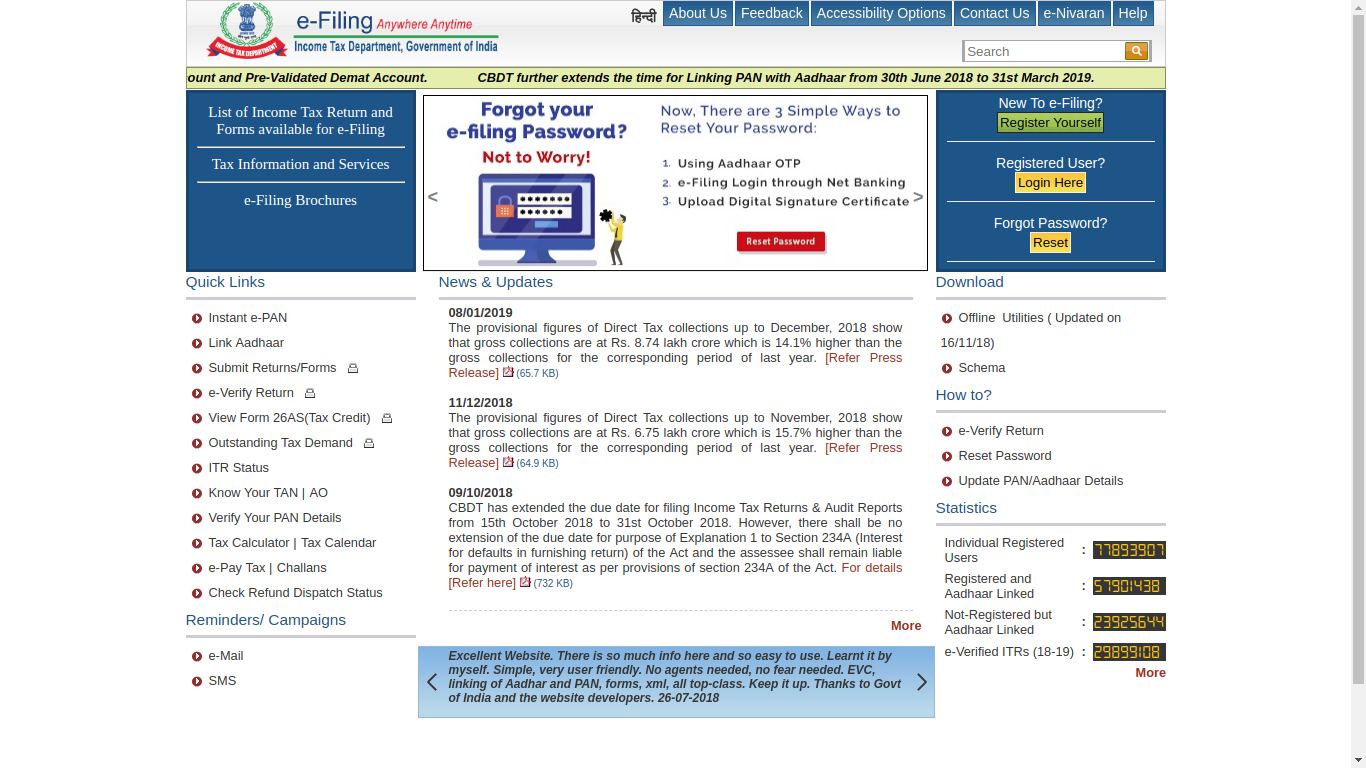
Click the link 'Know Your PAN' to proceed.
Step 3: Enter the DetailsPopulate the text boxes with the following details:
- Name of the PAN Cardholder
- Status (Individual, HUF, etc.)
- Gender
- Date of Birth (DD/MM/YYYY)
- Mobile number
After entering the details, press 'Submit'.
Step 5: OTP VerificationAn OTP will be sent to your registered mobile number for verification. Enter it when prompted.
Upon verification, the following details will be displayed:
- PAN of the Applicant
- First Name, Middle Name, Surname
- Indian Citizenship status
- Jurisdiction
- Remarks on the PAN status
By following these steps, you can determine your income tax jurisdiction.
Method II
Step 1: Log into the e-Filing SiteAccess the Tax E-Filing site.
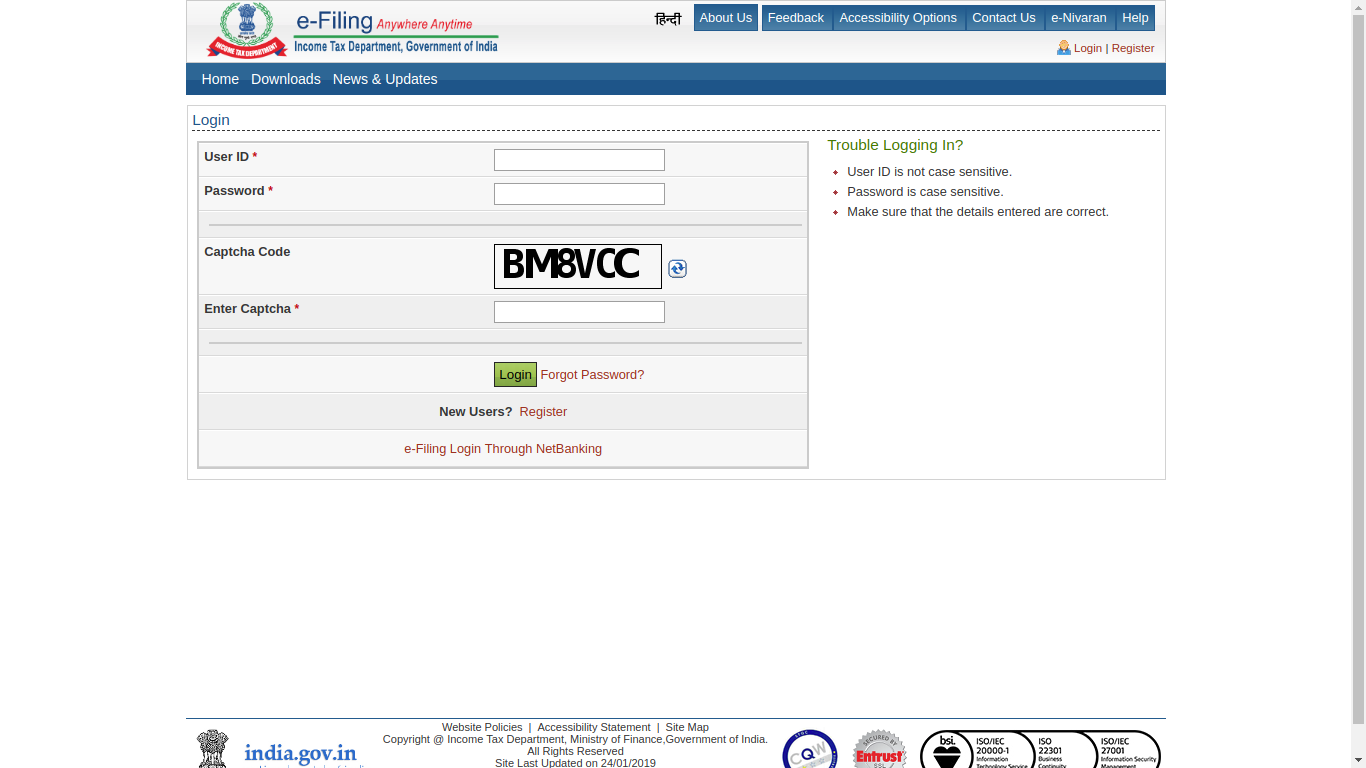
Navigate to 'Profile Settings' and choose 'My Profile'.
Step 3: Review PAN DetailsClick on PAN details to view:
- PAN
- Name
- Date Of Birth
- Gender
- Category and Address
- Status and Citizenship
- Jurisdiction Details
These steps provide insights into your jurisdiction which may assist in related deductions, dealing with tax notices and other issues.
For more on income tax structures, consider exploring income tax slabs or diving deeper into the Income Tax Act.
Additionally, you can explore specific filing needs such as those for freelancers or the self-employed.