
Karthiga
Expert
Published on: Jul 30, 2026
Arunachal e-Services Portal
Arunachal e-Services portal is a unified portal developed for the citizens to access the services provided by the various Arunachal Government entities. Arunachal e-Services portal makes all Government services accessible through common service delivery outlets, and ensure efficiency, transparency, and reliability of such service. In this article, we look at the Arunachal e-Services Portal in detail.Arunachal e-Services Portal for Government
It allows any department at any level of government to perform the following functionalities.- To quickly define and configure its service using a wizard-like interface.
- To set the service in terms of beneficiary profile, submission modes, service charges, payment mechanism, service delivery modes, application form, service output, notifications and process flow.
- To configure Auto-Approval and Legacy services.
- To define grievance redressal policy for a service.
- To integrate back-end processes with service workflow.
- To launch a service within minutes.
- To monitor the performance of government functionaries and kiosk operators.
Online Services for Citizens
The following are the online services provided under the Arunachal e-Services Portal.- Issuance of schedule tribe certificate
- Issuance of Permanent residence certificate (RPC)
- Issuance of Temporary Residence Certificate (TRC)
- Issuance of Income certificate
- Issuance of Dependent certificate
- Issuance of character certificate
How to Apply for Service?
To apply for the service as mentioned above through the portal, follow the steps specified here. Visit Official Portal Step 1: The user has to visit the official portal of Arunachal e-Service.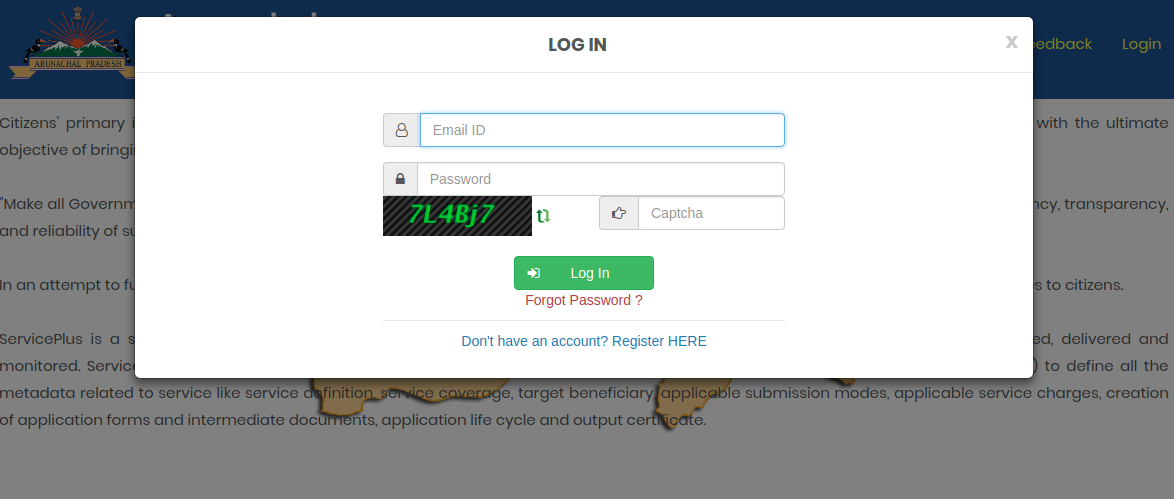 Arunachal e-District Portal -Image 2
Step 2: Click on “Login” button which is present on the home screen of the portal.
Arunachal e-District Portal -Image 2
Step 2: Click on “Login” button which is present on the home screen of the portal.
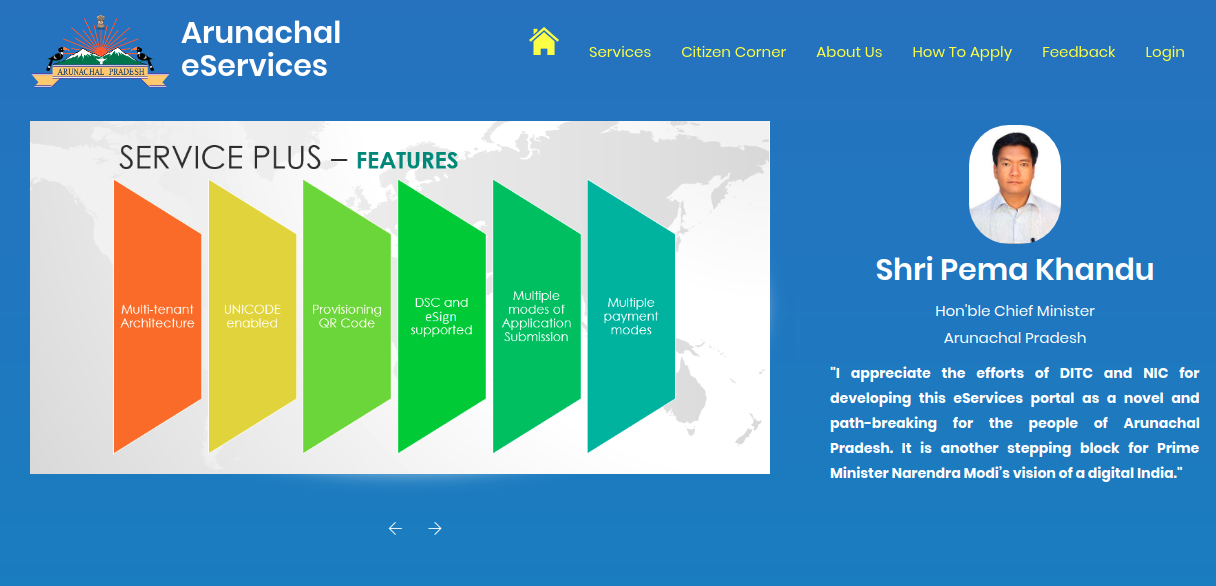 Arunachal e-District Portal -Image 1
New User Registration
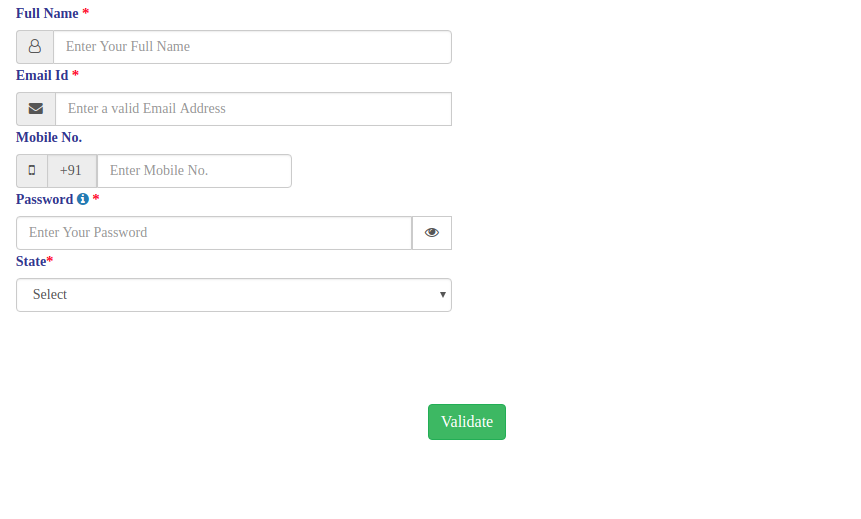
Step 3: If you are a new user, register yourself under this application by providing your address, mobile number, email id etc.
Arunachal e-District Portal -Image 1
New User Registration
Step 3: If you are a new user, register yourself under this application by providing your address, mobile number, email id etc.
 Arunachal e-District Portal -Image 3
Step 4: Then the activation link will be forwarded to your registered mail id.
Apply for the Service
Step 5: Now the applicant can apply for the desired service at the respective DC Office by entering necessary details and uploading supporting documents.
Make Payment
Step 6: After applying for the service then the applicant has to make payment through debit card or Net-banking.
Step 7: Then the applicant can track the current status of the application by clicking on the “Track” option.
Issuance of Certificate
Step 8: Finally if your submitted application is approved then the digitally signed certificate will be delivered in your e-Services account.
Arunachal e-District Portal -Image 3
Step 4: Then the activation link will be forwarded to your registered mail id.
Apply for the Service
Step 5: Now the applicant can apply for the desired service at the respective DC Office by entering necessary details and uploading supporting documents.
Make Payment
Step 6: After applying for the service then the applicant has to make payment through debit card or Net-banking.
Step 7: Then the applicant can track the current status of the application by clicking on the “Track” option.
Issuance of Certificate
Step 8: Finally if your submitted application is approved then the digitally signed certificate will be delivered in your e-Services account.